Google Analytics insights, built into your SEO workflow
Connect Google Analytics 4 and SEO Sorted pulls session and conversion data for your articles — so you can see which published content actually drives traffic and signups, not just rankings.
SETUP TIME
~2 minutes
SYNC
Daily
AUTH
Google OAuth
AVAILABLE ON
Free & Pro plans
Connect Google Analytics 4 in minutes
Bring real traffic and conversion data into the same workflow you use to create and optimize content.
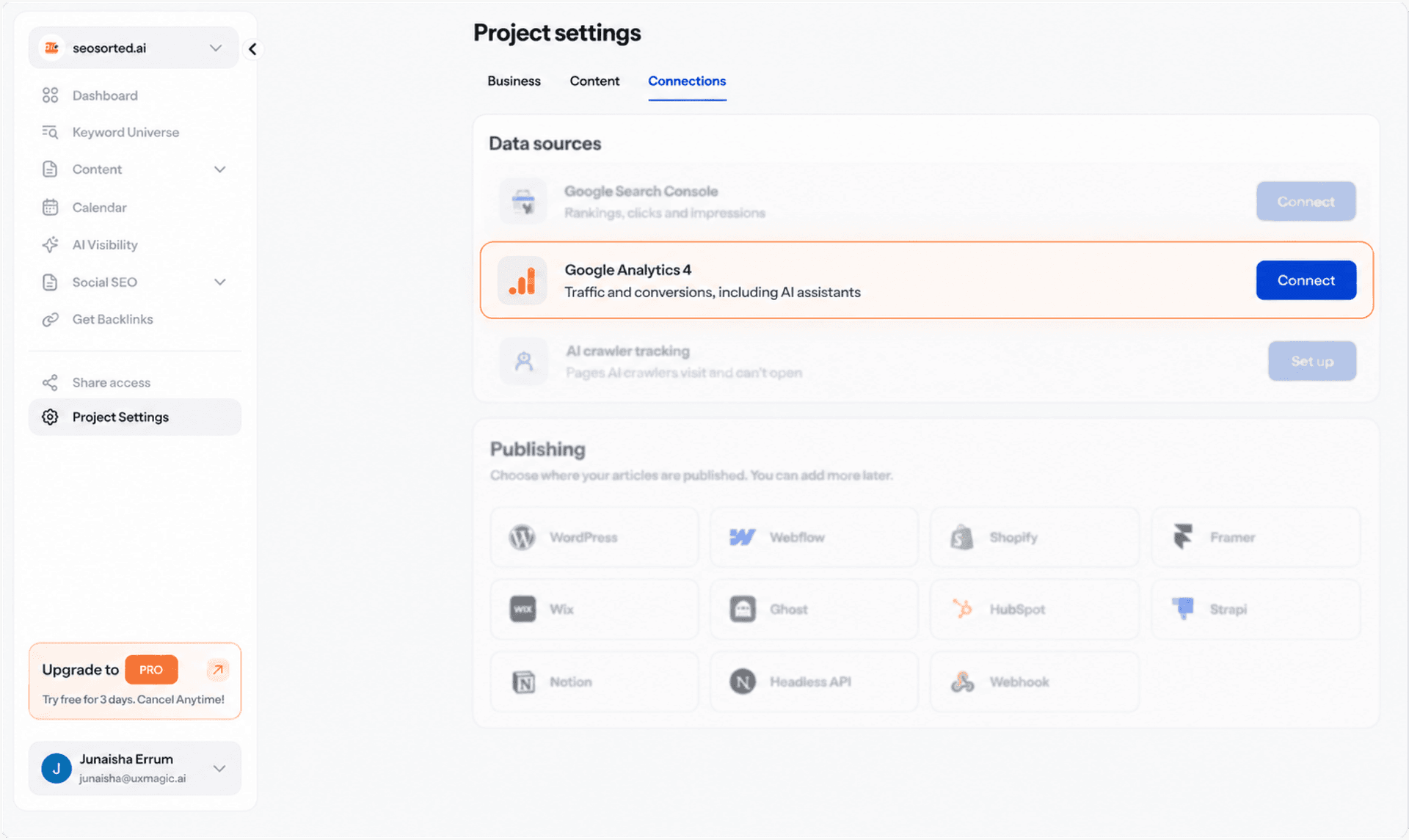
Connect Your Google Account
Sign in with the Google account that has access to your website's Google Analytics 4 property.
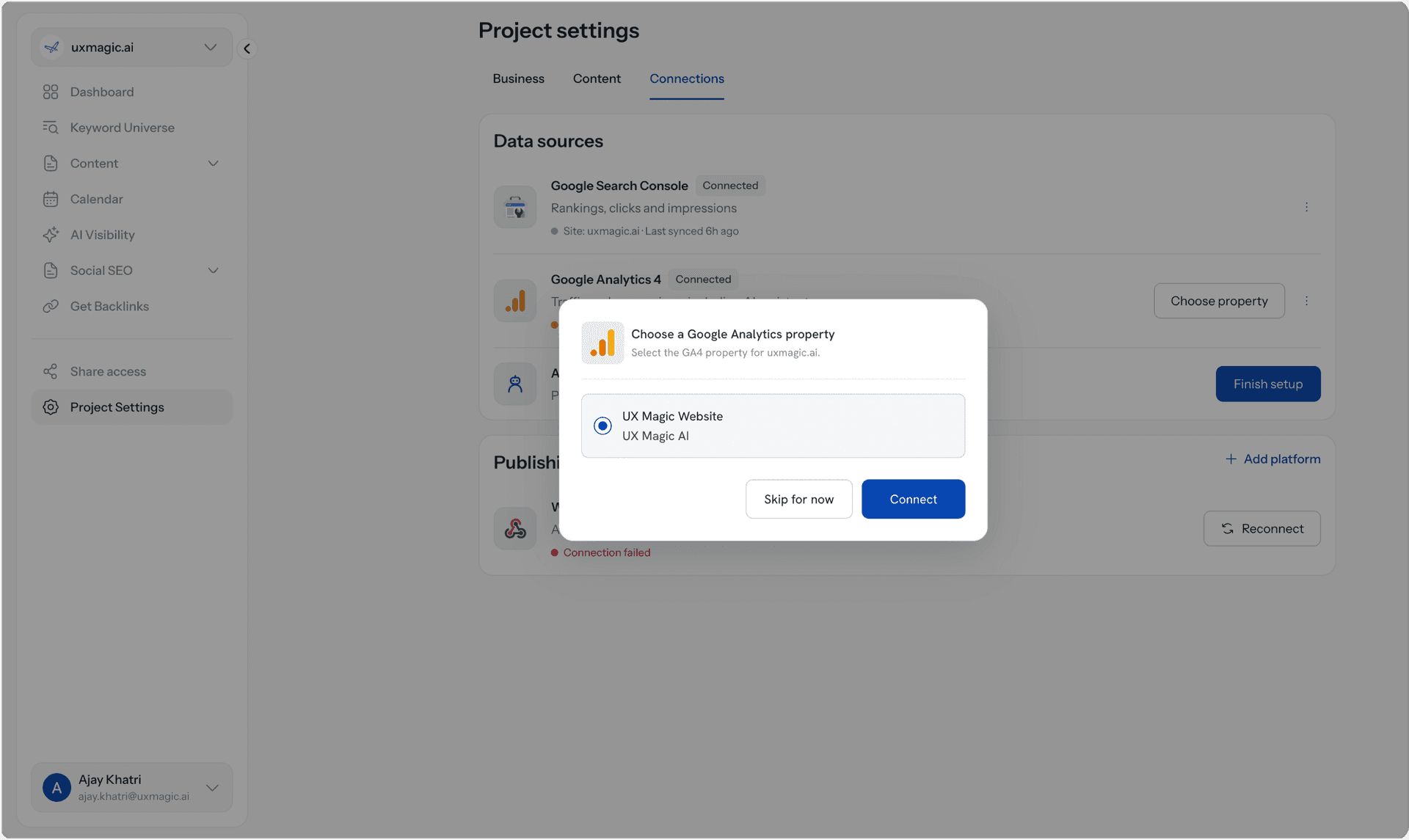
Choose Your Google Analytics 4 Property
Select the property associated with your website. SEO Sorted connects it to the right site in your workspace and starts syncing its analytics data.
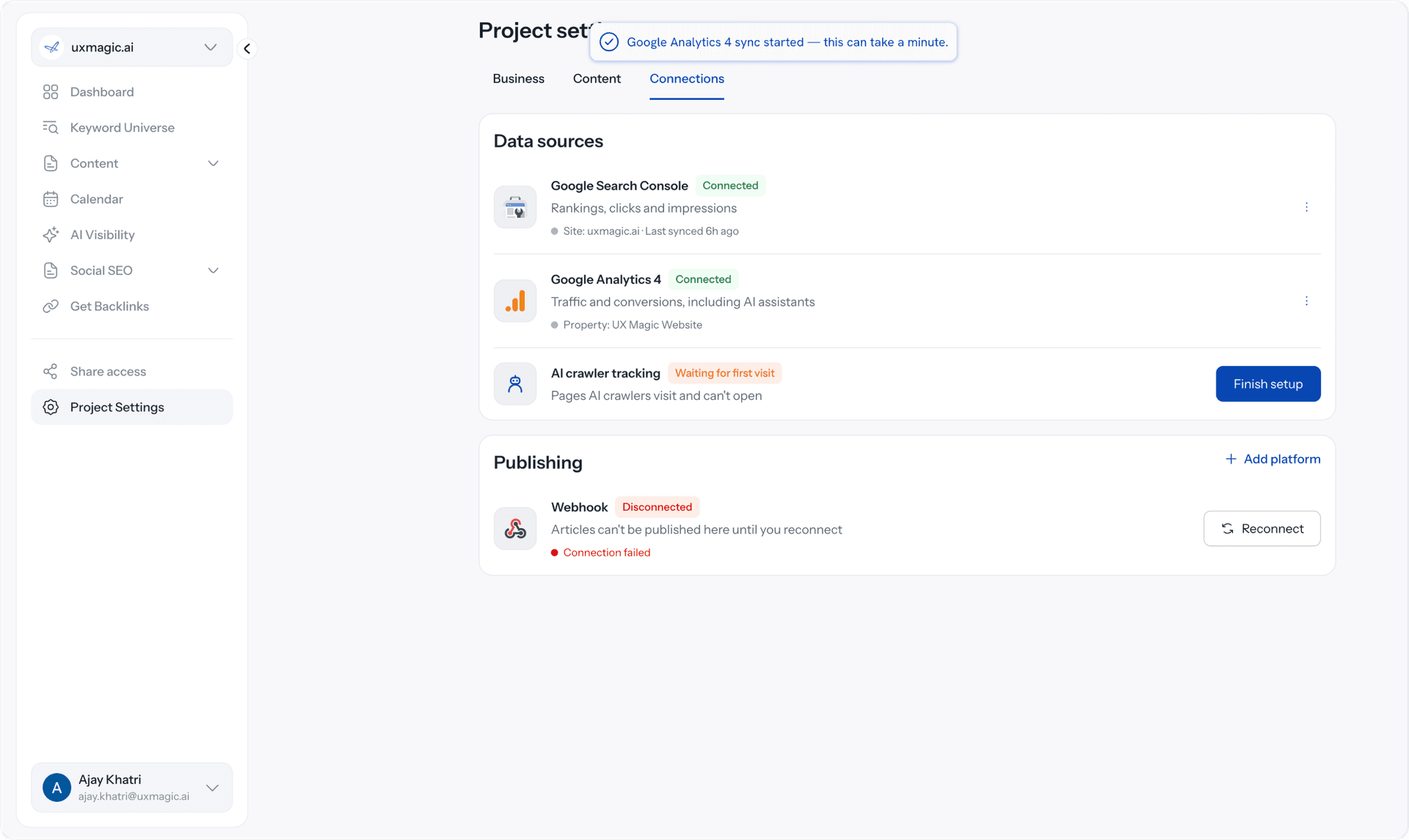
Performance data starts syncing automatically
SEO Sorted pulls session and conversion data for your published articles automatically helping you see which content actually brings visitors and drives signups, without checking GA4 manually.
Why connect Google Analytics 4 to SEO Sorted

See what happens after the click
Rankings and clicks only tell part of the story. See which articles actually bring visitors to your site and what happens after they arrive.

Find content that drives conversions
Identify the articles that contribute to signups and other conversions, so you know which topics are producing more than search visibility.

Turn performance into your next move
Bring traffic and conversion signals back into your content workflow, helping you make better-informed decisions about what to create, update, and prioritize next.
Rankings don't tell the whole story.
An article can rank well and still contribute little to your business. Connect Google Analytics 4 to see which published pieces actually attract visitors and contribute to conversions. SEO Sorted brings that performance data back into your content workflow, so your next content decisions are based on results — not rankings alone.
Common questions

Connect your Google account once and choose the GA4 property associated with your site. SEO Sorted then brings article performance data into your workspace, so you can understand what happens after visitors arrive from your content.
SEO Sorted pulls session and conversion data for your published articles, helping you understand which pieces are attracting traffic and contributing to meaningful actions on your site.
SEO Sorted pulls your Google Analytics performance data daily, keeping your article-level insights up to date without requiring you to manually import reports.
Google Search Console shows how your content performs in Google Search through metrics like clicks, impressions, CTR, and average position. Google Analytics shows what happens after visitors reach your site, including sessions and conversions. Connecting both gives you a more complete picture of content performance.
No. Google Analytics remains the source of your website traffic and conversion data. SEO Sorted brings relevant article-level data into your content workflow so you can connect content creation with actual performance.
No. Sign in with your Google account, authorize access, and select the GA4 property you want to connect. SEO Sorted handles the ongoing data sync for you.
Other integrations