Google Search Console data built into your SEO workflow
Connect Google Search Console and SEO Sorted pulls real clicks, impressions, CTR, and average position for your articles daily — so you can see what’s working and use real performance data to guide what you create next.
SETUP TIME
~2 minutes
SYNC
Daily
AUTH
Google OAuth
AVAILABLE ON
Free & Pro plans
Connect Google Search Console with SEO Sorted in minutes
Turn your real search performance into data your content workflow can actually use.
Connect Your Google Account
Sign in with the Google account that has access to your website’s Search Console property.
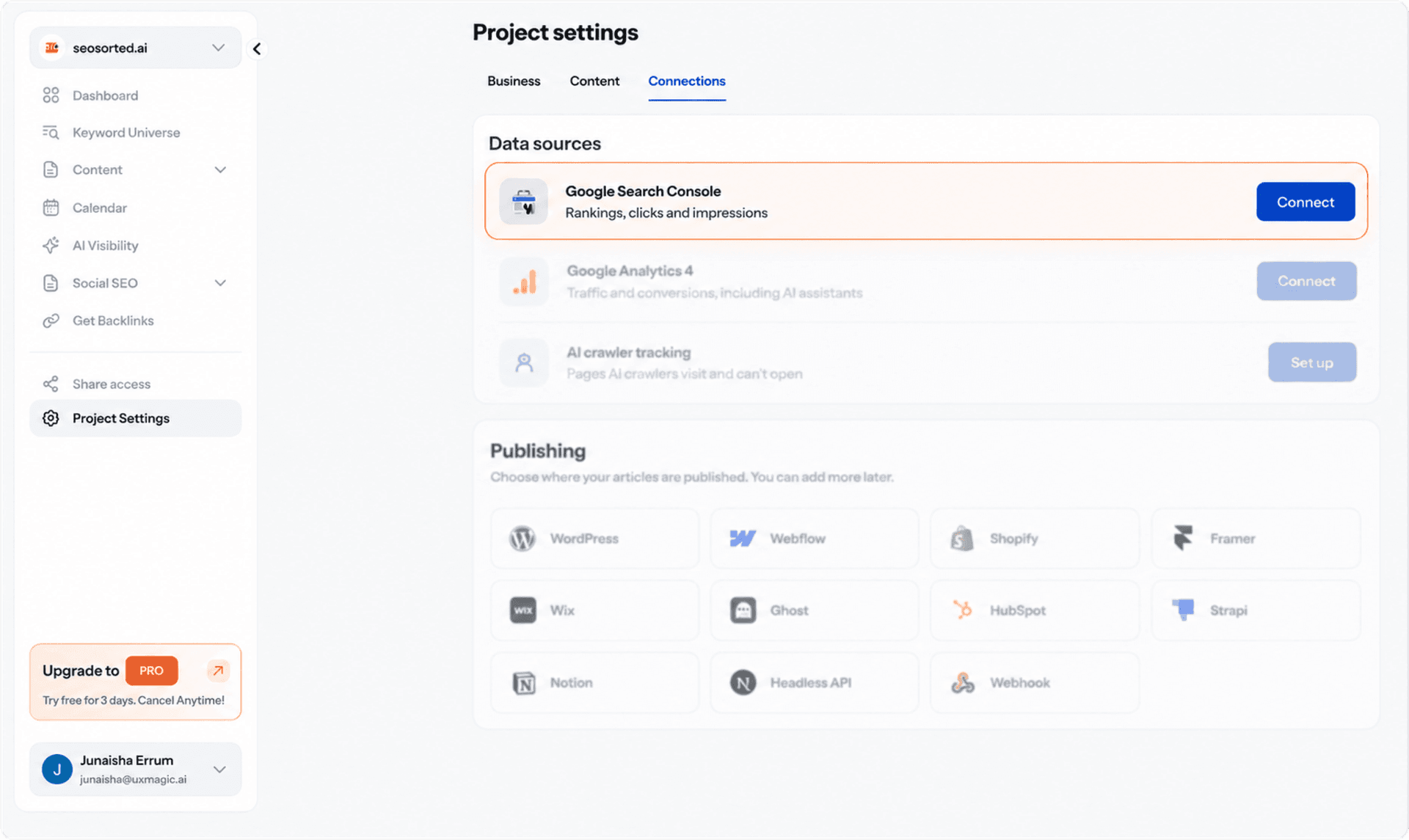
Choose Your Search Console Property
Select the verified property you want to connect. SEO Sorted securely connects it to the corresponding site in your workspace.
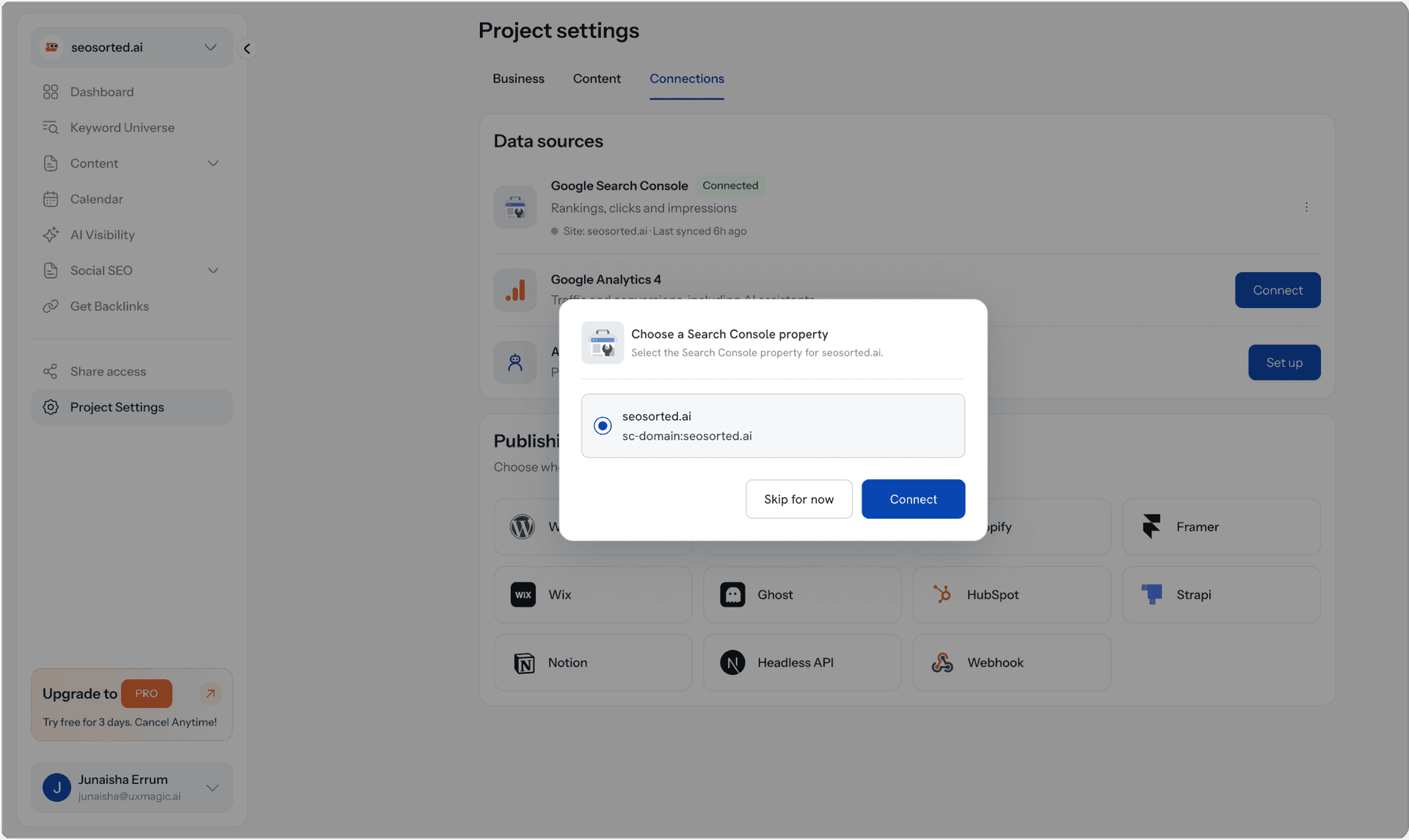
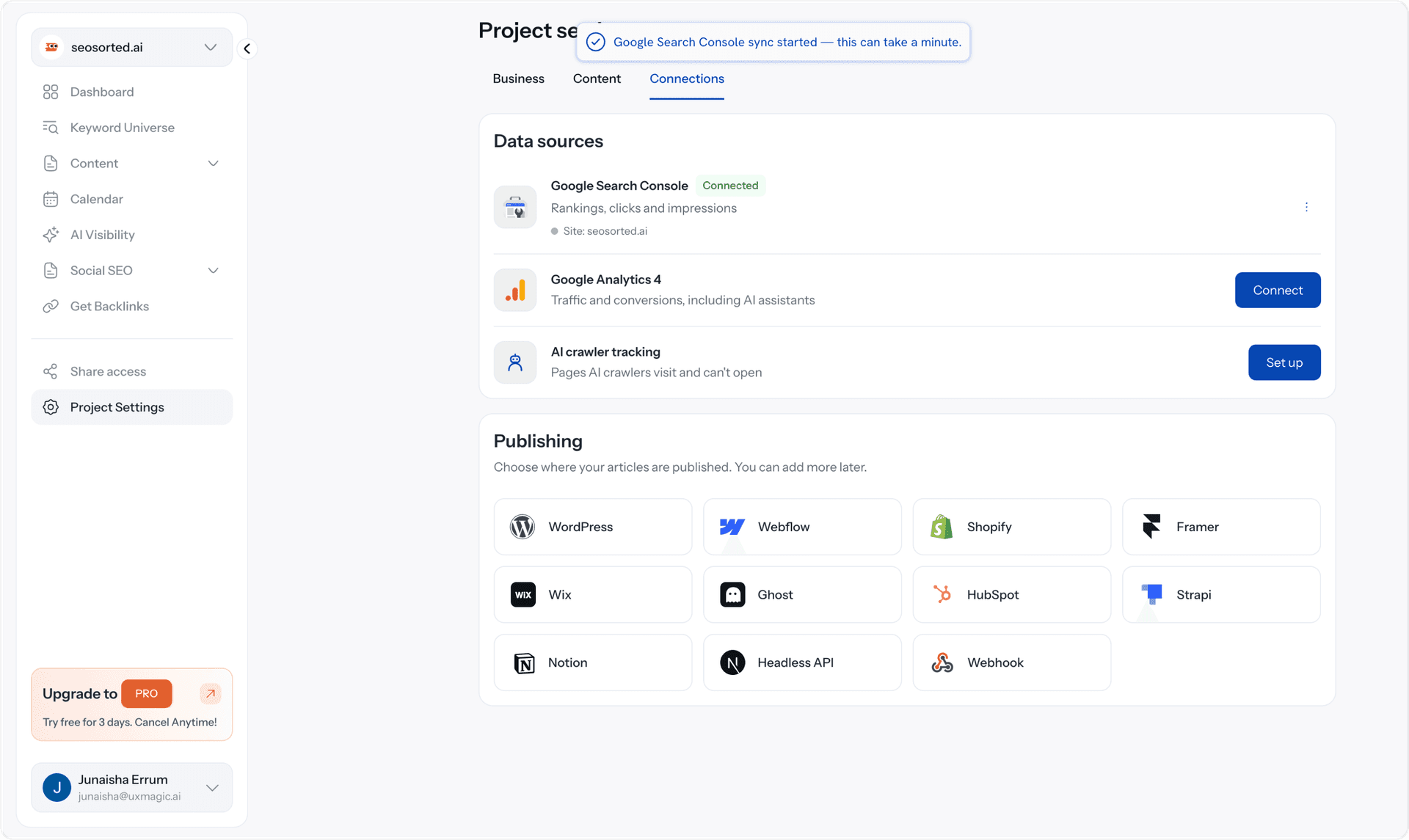
Performance data starts syncing automatically
SEO Sorted pulls clicks, impressions, CTR, and average position for your published articles automatically helping you see which content gains search visibility and drives clicks, without checking Google Search Console manually.
Why connect Google Search Console to SEO Sorted
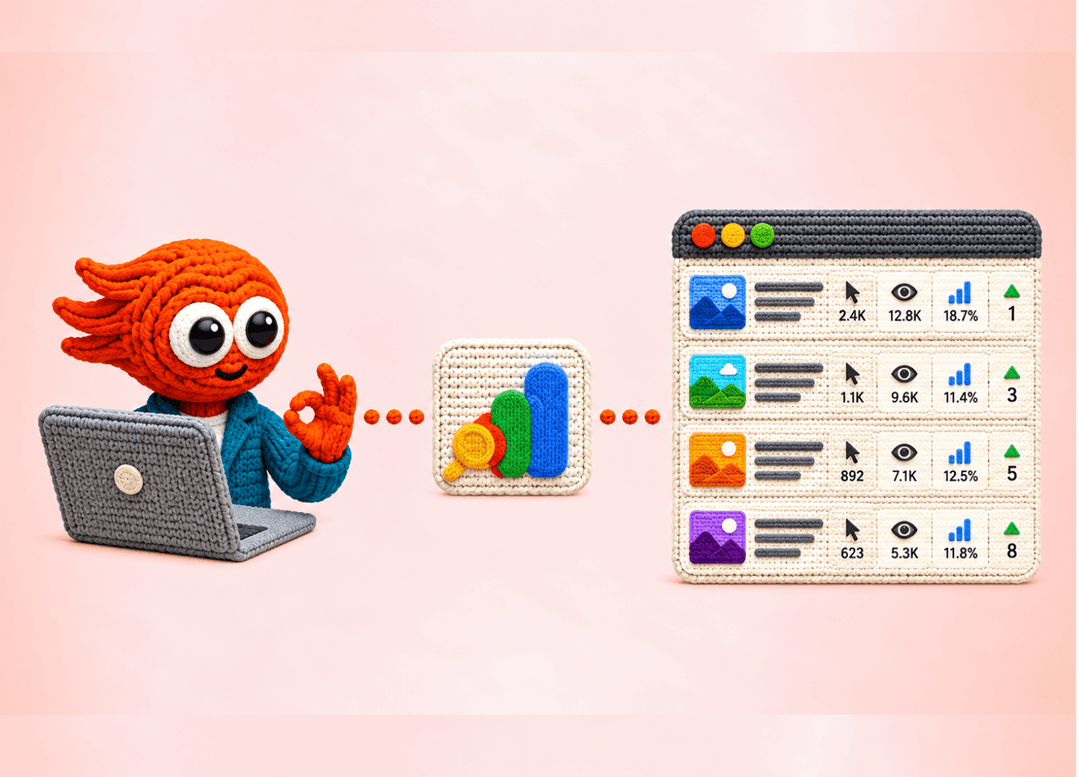
See real performance for every article
Track clicks, impressions, CTR, and average position at the article level without jumping between SEO Sorted and Search Console.

Know what’s actually working
See which articles are gaining visibility, attracting clicks, and moving up in search instead of relying on assumptions about content performance.

Turn performance into your next move
Search data doesn't just sit in a dashboard. SEO Sorted brings it back into your content workflow, helping you make better-informed decisions about what to create next.
Stop guessing which articles actually work.
Connect Google Search Console and SEO Sorted pulls clicks, impressions, CTR, and average position per article automatically, every day. Your performance data becomes part of the same workflow you use to research, create, and publish — giving the next batch of content real search data to build from.
Common questions

Connect your Google account once and choose the Search Console property associated with your site. SEO Sorted then pulls search performance data into your workspace automatically, so you can track how your articles are performing without manually moving data between tools.
SEO Sorted pulls key search metrics including clicks, impressions, CTR, and average position. This gives you a clearer picture of how individual articles are performing in Google Search.
SEO Sorted pulls your Search Console performance data daily, keeping your article metrics up to date without requiring you to manually refresh or import reports.
Your Search Console data helps show which content is getting visibility, earning clicks, and improving its search position. That performance data can then inform your next batch of content instead of relying only on assumptions or keyword estimates.
No. Google Search Console remains the source of your search performance data. SEO Sorted brings the most useful article-level metrics into your content workflow so you can connect performance with what you're researching, creating, and publishing.
No. Sign in with your Google account, authorize access, and choose the verified property you want to connect. SEO Sorted handles the ongoing data sync for you.
Other integrations