Notion SEO, minus the manual field-filling
Send SEO-optimized articles straight to your Notion database. SeoSorted researches, writes, and delivers SEO-ready content with titles, meta descriptions, slugs, images, and other mapped fields already filled in.
SETUP TIME
~2 minutes
SYNC
One-way, auto publish
AUTH
API Token / Credential
AVAILABLE ON
Free & Pro plans
Connect Notion with SeoSorted in minutes
No copy-pasting, no manually filling database properties by hand.
Why Notion teams choose SeoSorted

No database properties left half-filled
Keep your content database complete without manually filling titles, descriptions, slugs, images, and other properties for every article. SeoSorted handles them as part of the workflow.
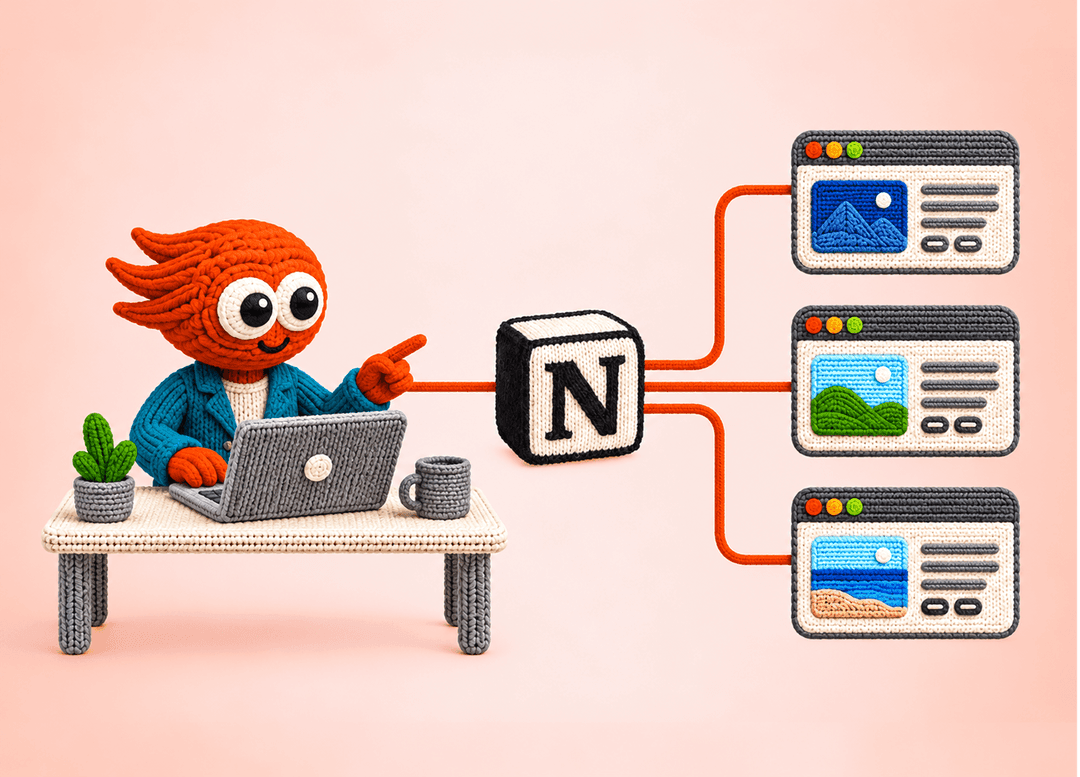
Built for teams managing content together
Planning, reviewing, and managing content in Notion? Keep your team’s existing workspace while SeoSorted handles the research and content production before sending each article into your database.
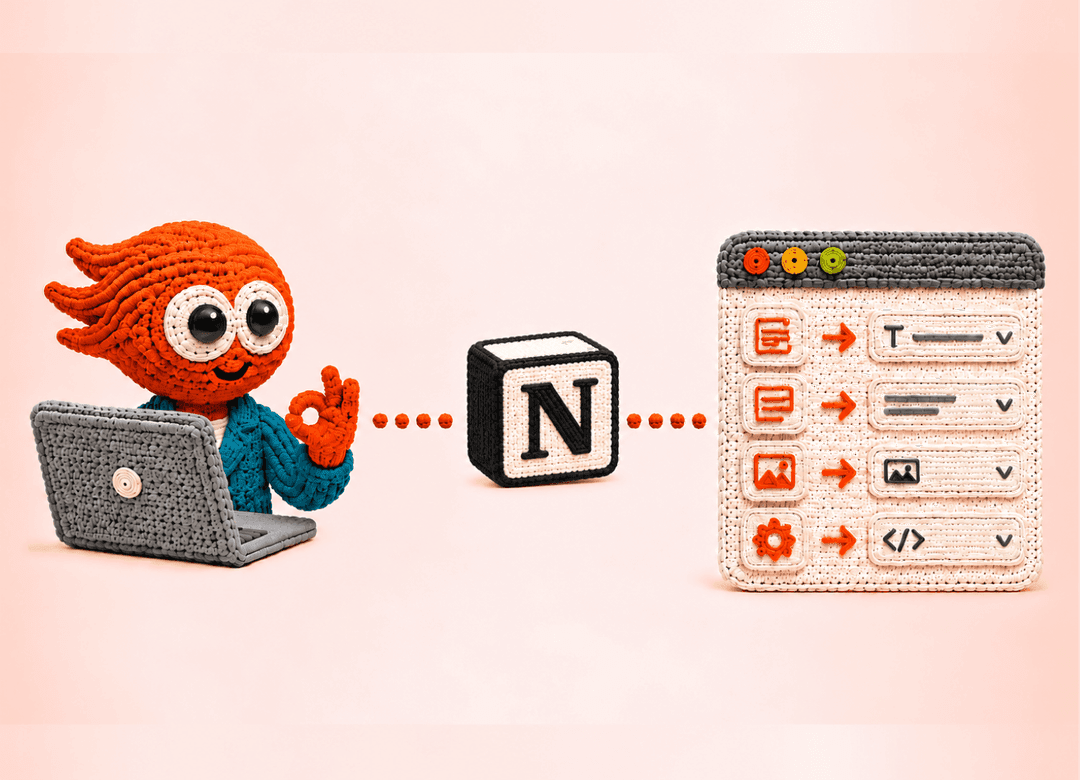
Works with your existing Notion setup
No need to rebuild your database or change how your team works. Connect your existing Notion database, map the properties you already use, and SeoSorted delivers content into your current setup.
Common questions

Connect your Notion workspace once and SeoSorted can send your generated articles directly to your chosen database. Your content, SEO fields, images, and mapped properties are handled as part of the workflow, so you don't have to manually copy and paste every article.
Yes. Once your Notion workspace and database are connected, you can send SeoSorted articles directly to Notion. That means you can go from keyword research and content generation to an organized, SEO-ready article in your existing content workflow without switching between tools.
Yes. Notion works well for organizing content calendars, briefs, drafts, approvals, and other SEO information in one place. The gap is repeatedly researching, writing, and filling those properties for every article. That's the part SeoSorted automates.
Yes. You don't need to create a completely new content system. Connect the database your team already uses, map the relevant properties, and SeoSorted can deliver generated content into that existing structure.
Not necessarily, it replaces much of the ongoing content production work. Agencies and freelancers are often focused on strategy, technical SEO, and audits; SeoSorted is the system that keeps researching and producing optimized content between those engagements, for a fraction of a retainer.
No. The integration is designed to be straightforward, so you don't need to work with APIs or write code. Connect your Notion workspace, choose your database, map your properties, and SeoSorted handles the content delivery workflow for you.